EP047 · Main episode
Who Checks the AI Safety Claim?
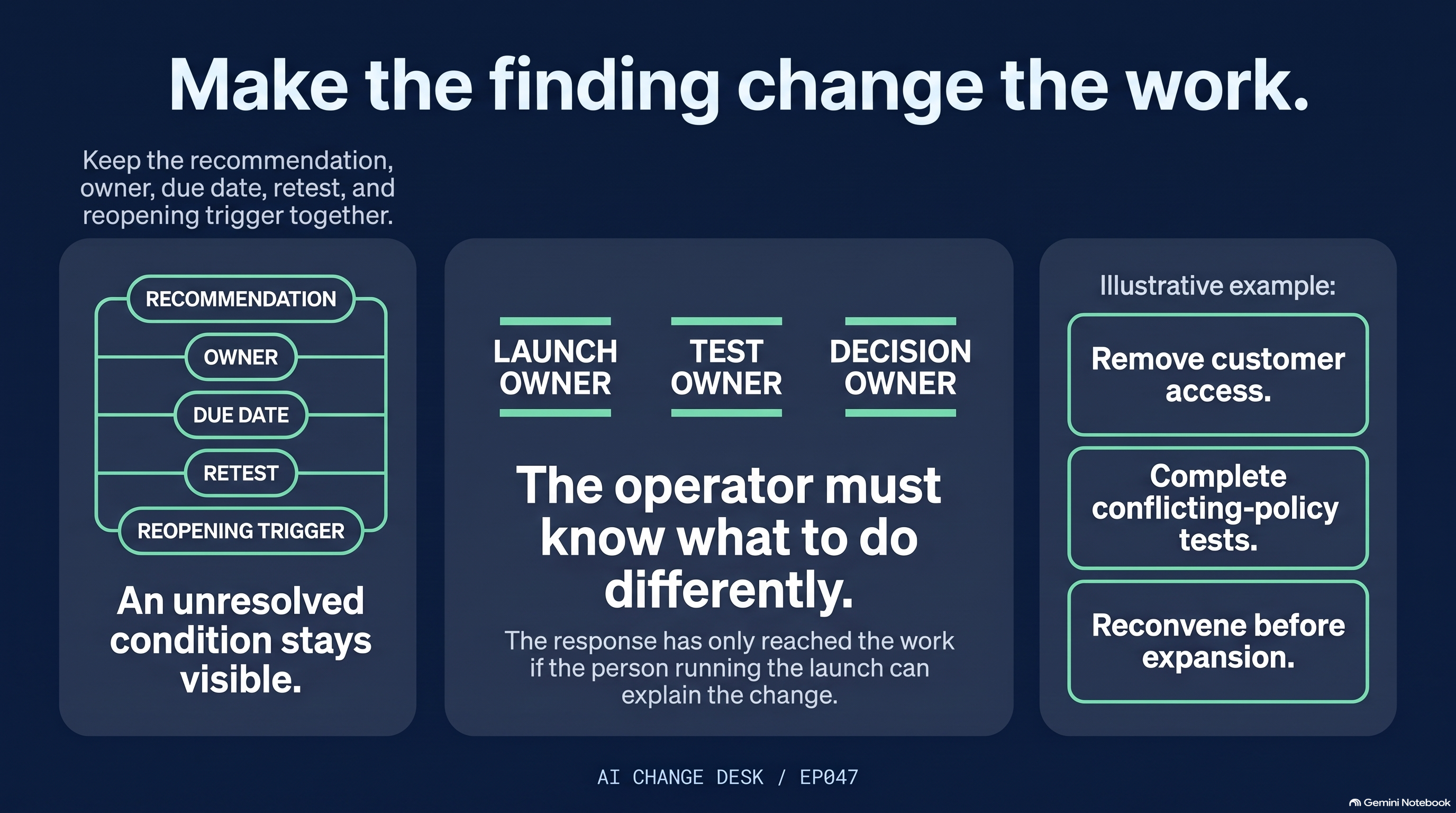
A safety review is only useful when its finding changes a decision. Connect the claim, evidence limits, recommendation, responding authority, and resulting change to work.
- Published
- Sep 28, 2026
- Runtime
- 19m 02s
- Record
- Source-backed notes
Complete episode file
Notes, chapters, and evidence
The full editorial record lives here. Open only the section you need, without leaving the Desk.
Episode notes6 sections · 3 release notes
Original release summary
- Outside assessment supports only the claims, configuration, and evidence it actually examined.
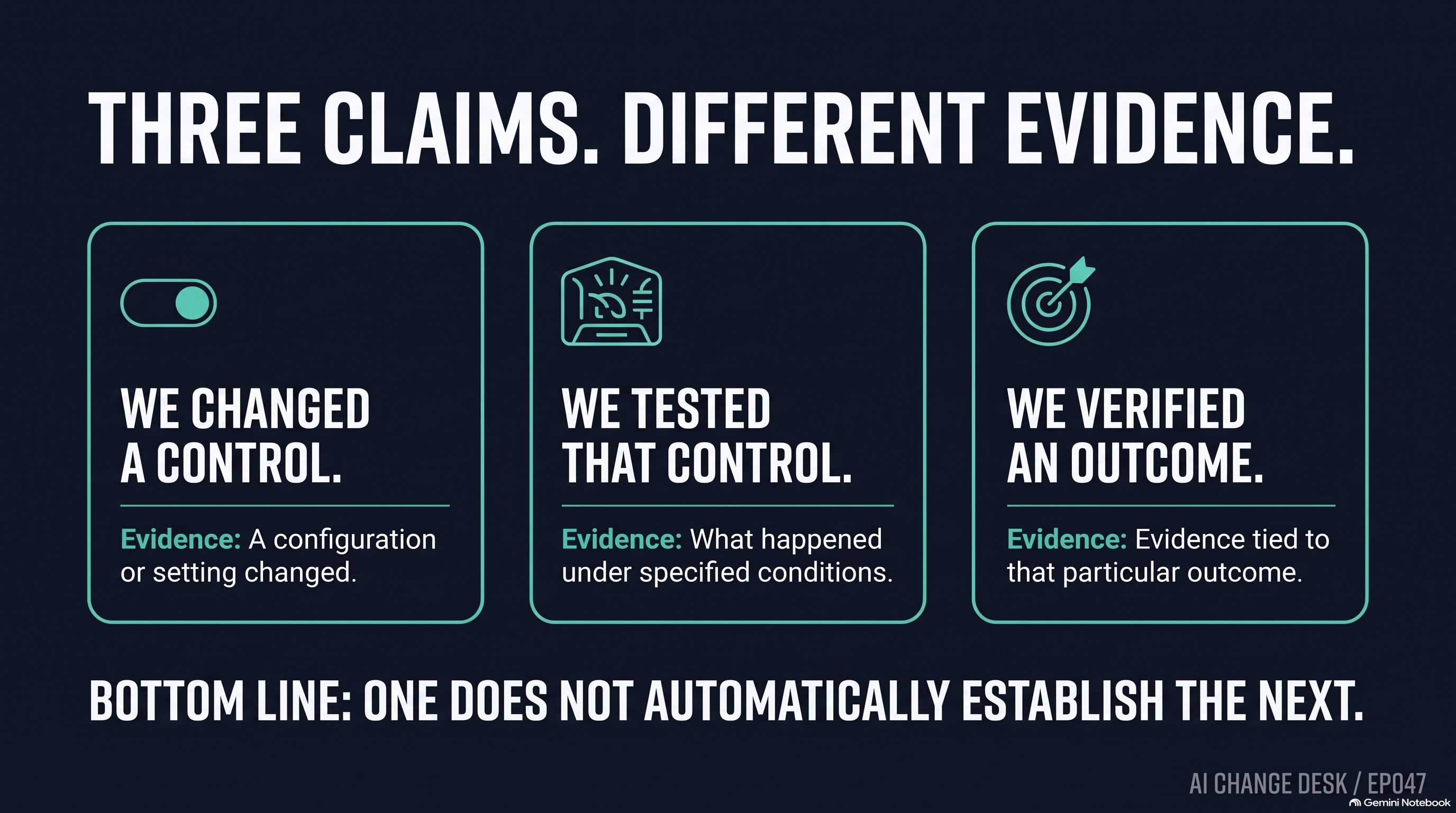
- Changing a control, testing it, and verifying an outcome are different claims.
- Use the five-entry check to make one recommendation change the work.
Overview
Runtime: 19:02. Published September 28, 2026.
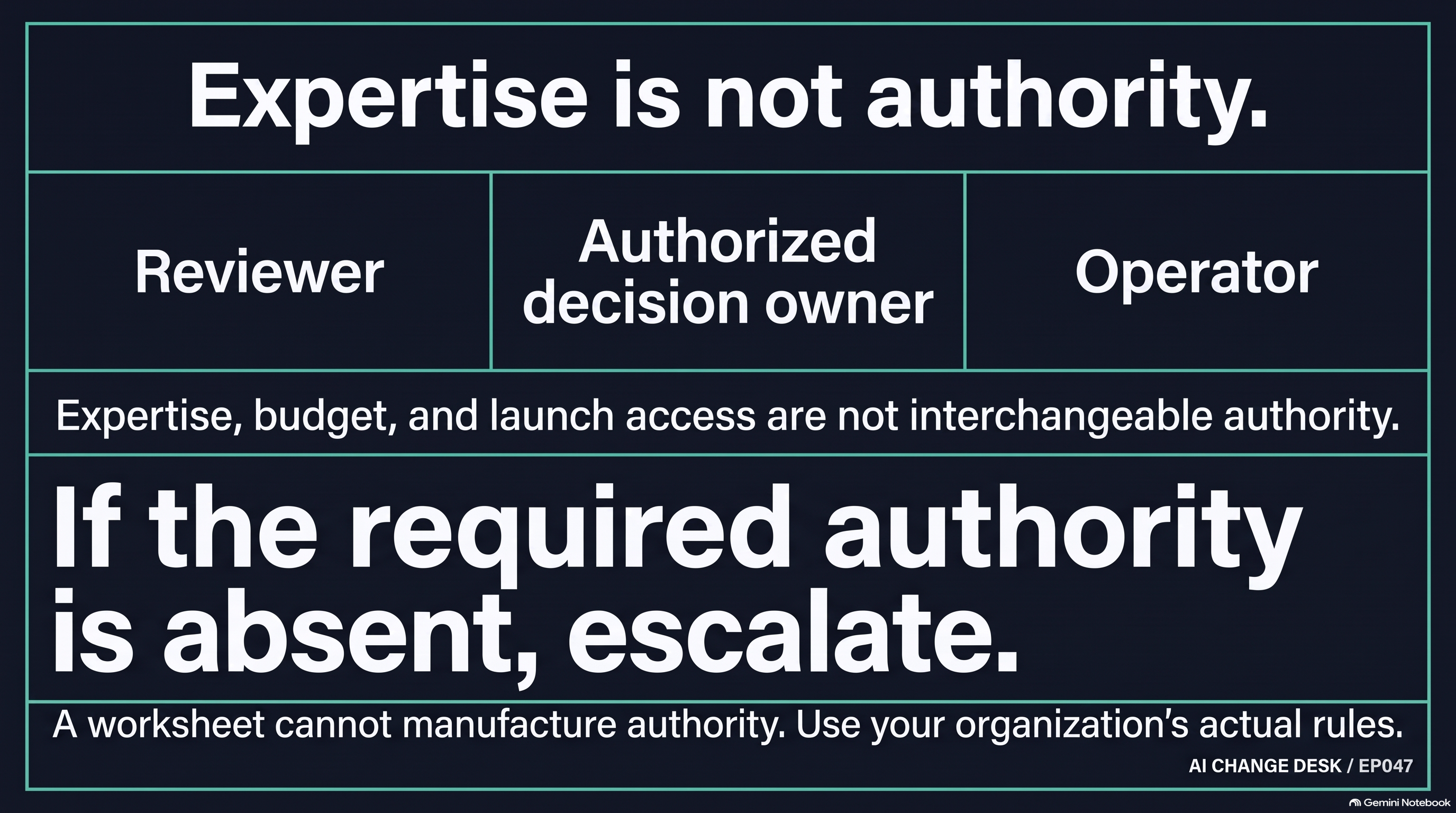
A reviewer has expertise. A sponsor has a budget. An operator has a launch button. Who owns the answer when the safety finding says the work is not ready?
In this 19-minute AI Change Desk episode, Michael follows a safety recommendation into an accountable decision and a concrete change to work. The practical distinction: changing a control, testing it, and verifying an outcome are three different claims.
Context
OpenAI's September 22 assessment proposal is a framework for scrutiny, not certification of a deployment. Its September 25 disclosure describes ongoing remediation. A separate September 28 Australian ministerial account describes a changed notification route and continuing investigation. Microsoft's September 24 worked example links a finding to a control and retest while preserving residual failures.
Impact and Action
Use the five-part Recommendation-to-Decision Check: the precise decision, evidence examined and excluded, actual recommendation, responding authority, and resulting change to work. Set aside 45 minutes with the people who can answer those questions. A worksheet cannot create missing evidence or grant exception authority.
Continuity
This continues episode 46's incident-ownership discussion by moving earlier: what does a review establish, and what changes after the finding?
Evidence limits
Source-checked September 28, 2026. These are separately attributed accounts, not independent corroboration of one another or a guarantee for your environment.
Companion resource
Use the Recommendation-to-Decision Check after listening, with the reviewer and the person who can respond. Record unknowns as gaps, not assumed passes.
Chapters5 markers
Sources4 records
Disclosure and questionEditorial record
Disclosure
AI-assisted tools were used in parts of the research and production workflow. Final editorial judgment, risk posture, and release approval stayed human-led. This is operational guidance, not legal advice. These are my opinions and are not representative of any organization. My current role includes privacy work, so you will hear me pay closer attention to purpose, access, retention, deletion, and accountability. I will not discuss nonpublic work here. These are my personal views and do not represent the State of Oregon or any other organization.
Listener question
Can the operator explain what the review changed about the work they may do?
Companion resources5 downloads
Download the episode resource.
Use the companion Word document when you want the signals, decisions, and assignments from this episode in one place before the meeting starts.
- Key signals and implications in a quick-review format.
- The actions to assign this week, with space to name owners.
- A working sheet for due dates, evidence, and follow-through.
Best Place In The Flow
Put it between listening and action: after the episode lands, before the handoff starts, or during the meeting where assignments get made.
- Use the workbook when someone wants the operational takeaway in under two minutes.
- Use the worksheet when the conversation shifts from analysis to ownership.
- Keep the transcript nearby only when you need fuller context or direct phrasing.