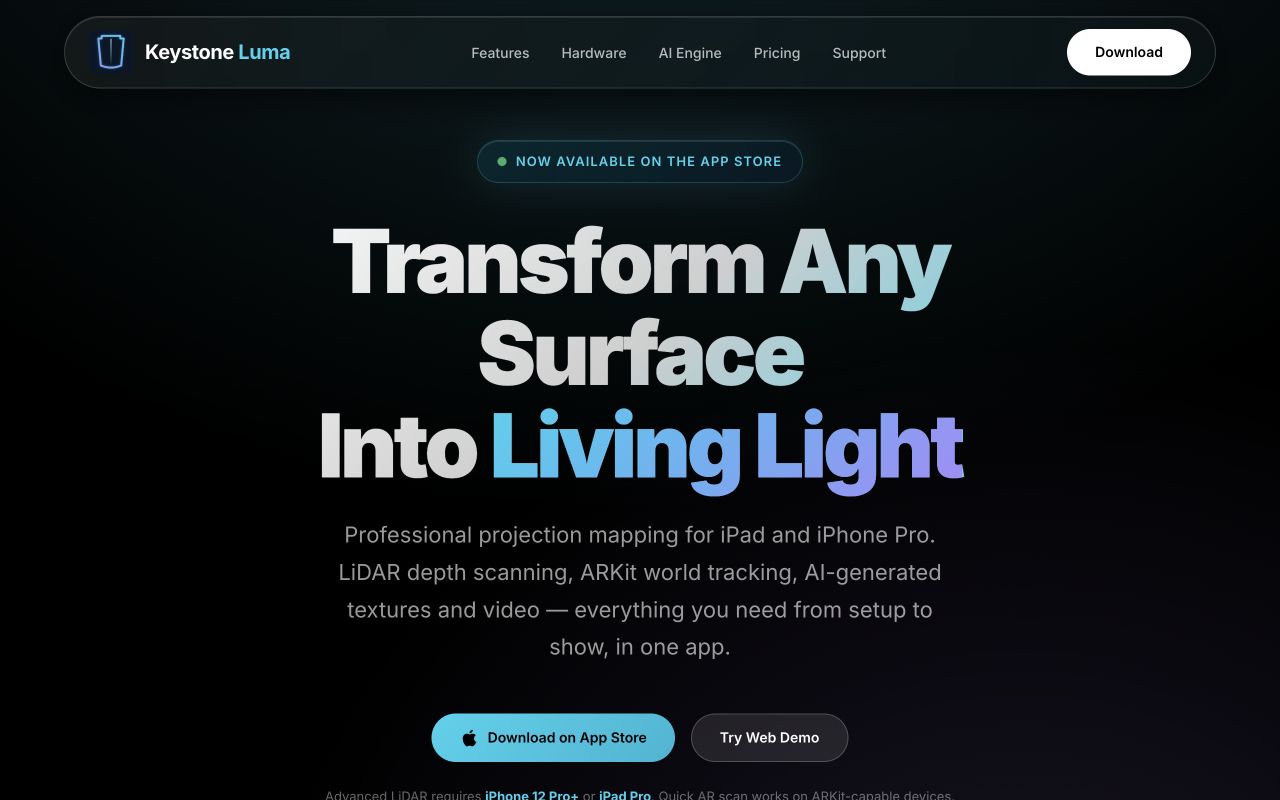
Advanced LiDAR work targets iPhone 12 Pro or later and LiDAR-equipped iPad Pro. A quick AR path is planned for other ARKit-capable devices.
Operator canvasMap → fit → create → output
Prototype
Build stage
12 × 12
Mesh precision
AirPlay / HDMI
Output paths
LiDAR + ARKit
Spatial stack
01 / System
One workflow, four operating stages.
Open a stage for its full capability set. The page stays compact while the working model remains complete.
01Capture the projector throwIn prototype
Use ARKit tracking and, on supported Pro devices, LiDAR depth sampling to establish the projection area and find candidate surfaces.
Guided throw capture
Plane detection and classification
Quick AR path for non-LiDAR devices
02Map and fit surfacesIn prototype
Turn detected geometry into operator-adjustable surfaces, then fit content with a precise control mesh.
Walls, floors, ceilings, and tables
12 × 12 mesh warping
Surface groups and alignment controls
03Create visual materialExploration
Combine built-in effects with planned AI-assisted scene analysis, texture generation, and short video-loop workflows.
Colors, gradients, scan lines, particles
Audio-reactive parameters
Gemini, Imagen, and Veo experiments
04Control the clean outputIn prototype
Keep editing controls on the device while sending a synchronized, interface-free image to the projector.
AirPlay and HDMI paths
Dedicated external-display window
Preview, output, and reconnect states
02 / Hardware
Use the device as the control surface.
Keystone Luma coordinates four hardware paths while keeping the operator in charge of setup and output.
LiDAR
Depth-sampling experiments for surface geometry.
ARKit
World tracking, planes, and scene context.
Microphone
Optional frequency input for reactive effects.
External display
A clean projector feed over AirPlay or HDMI.
03 / AI studio
Generate material without hiding the decisions.
The AI lane is exploratory: prompts and scene inputs would remain explicit, and generated assets return to an editable operator workflow.
Gemini
Optional still-image scene analysis for setup context.
Imagen
Planned textures, facades, seeds, and structure controls.
Veo
Planned short motion loops for projected environments.
04 / Applications
Designed around real environments.
From small spatial studies to live event concepts, the same system separates capture, creative material, and projector output.
01
Live events
Prepare real-time visuals for concerts, theater, corporate events, and performance environments.
02
Art installations
Transform galleries, sculptural work, and public spaces into immersive experiences.
03
Architecture
Fit dynamic facade studies to structural features and irregular surfaces.
04
Holiday displays
Prototype seasonal visual treatments across familiar surfaces.
05
Retail and exhibits
Explore window, product, and interpretive display concepts.
06
Creative learning
Make spatial-media experiments approachable on familiar mobile hardware.
05 / Product model
Planned access tiers.
These tiers preserve the intended feature model from the prototype specification. Prices, allowances, names, and availability are planning concepts—not a public offer or active App Store subscription.
No purchase or subscription is available from this page. Release-time product terms, provider limits, device testing, privacy review, and distribution decisions will determine any final model.
06 / Roadmap
Prototype before promise.
Access is limited while the spatial, output, and generation paths are tested together.